Expenses and billing
Fees are what the fund charges; expenses are what the fund pays. The platform treats both with the same seriousness because both reach investor capital, and the interesting questions are always the same two: who bears it, and how is it split?
Expenses
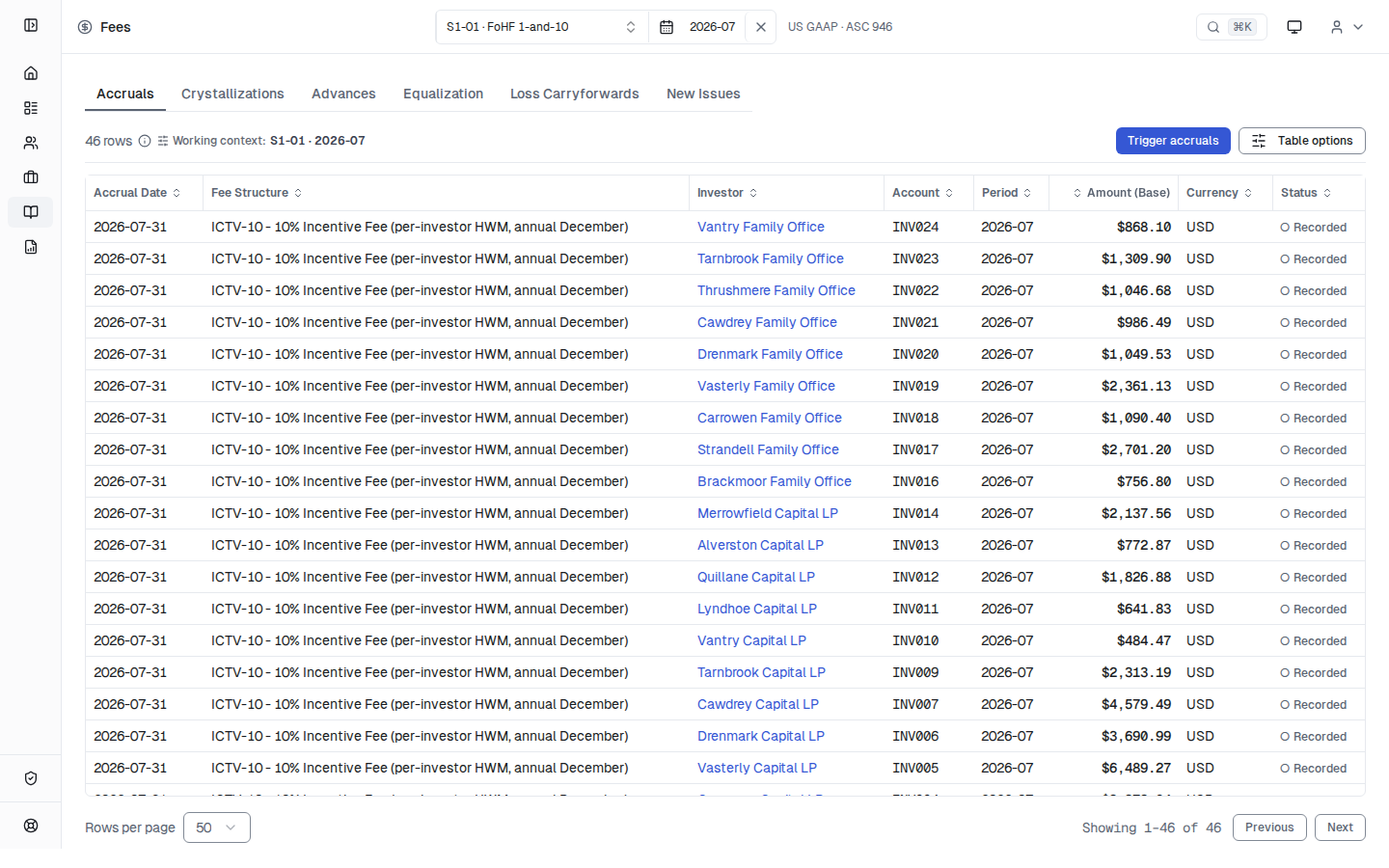
Fees and Expenses is one page; its expense tabs are the fund's income and expense book. The working fund chosen in the header is carried across every tab.
Expense entries books the running costs - audit, admin, legal - with the two dimensions that matter. Scope: an expense can burden the whole fund, a single class, or a specific investor (a side letter that makes one LP bear their own legal review, for example). Bearer: an expense can be borne by the fund, by the manager, or split - a manager-borne share books as a receivable due from the manager rather than a charge to investors. An entry's own page is where it is reviewed and amended; there is no separate edit form.
Expenses by holding reads the working period's income and expense attributed to the holding that produced each entry.
Recurring templates the predictable ones: define the expense once with its schedule and let each period's accrual post on time without someone remembering. A generated accrual is an ordinary expense entry with its template as provenance.
Fund expenses applies the fund-level machinery over the period's posted entries: expense caps, where terms include them, enforced against the configured base, and the allocation of broken-deal costs.
Fee splitting
The Fee allocations tab of Fee terms decides where charged fees GO: per fee structure, period-effective rules split the fee among recipients - manager, placement agent, and so on. Rules are create-only and period-effective, so the history of who received what under which arrangement is itself an immutable record.
Side letters
The Side letters tab of Fee terms tracks most-favored-nation grants and side-letter terms as first-class objects, so an LP's entitlement to better terms is a recorded fact with an effective period - not an email thread - and the fee engine reads it where the terms apply.
Payables
Payables is one tab of Fees and Expenses, with four views you switch between inside it. The working fund chosen in the header is carried across all of them.
Bills & invoices lists the directional documents: invoices the fund issues, bills it must pay, and the disbursements that settle them, each with its ledger posting. It is the bridge between the expense book and actual cash movement. A new bill picks its vendor from the same dialog, and New vendor there creates the party and its vendor profile without leaving the bill. A bill captured by an operator waits for a second person's approval before it can issue, and the list marks the ones still waiting.
Aging shows what is outstanding and how late as of a date, payable or receivable, in the fund's base currency. Documents with no due date are their own bucket, never folded into Current. A row opens its document.
Vendors is the payee master behind bill pay: remit-to detail, coding defaults, and the 1099 position - a flag plus whether a W-9 is on file. A vendor is a Party with a profile layered on top, which means a party without one is still a perfectly valid counterparty on a bill; it simply arrives without defaults.
A vendor's payment instructions remain operator memo text and must not contain account or routing numbers. Optional vendor bank details are stored in separate encrypted fields, masked to the last four digits on ordinary reads. A named user proposes a new account or a change, and a different user approves it. Revealing full numbers requires a separate permission and writes an audit record. LP bank details follow the same controls on the investor page. The fund's own bank details live on its cash account (see Cash accounts). Tenants using an external payables provider can leave vendor bank details out of the system.
Payment runs is batch disbursement: select outstanding bills for one fund and choose the cash account funding them. A second person approves the run before either payment path is available.
For manual payment, execute the run and export its CSV for the bank portal. Each bill uses the ordinary payment path: a GL entry and an outbound cash movement. The run itself does not move money.
For a configured external payables provider, choose Send to provider on the approved run instead. The handoff contains the bill IDs, vendor names, invoice references, amounts and a stable retry key; it contains no account or routing numbers. Reconcile provider fetches accepted, rejected and paid outcomes. Accepted bills remain open, rejected bills show a failure, and only confirmed paid bills create a payment, GL entry and cash movement in the system. The provider must report the paid amount, currency, date and reference; the system refuses a mismatch. A handed-off run cannot be executed or exported manually. An explicitly rejected bill can be paid later by another run or manually.
A user with billing:approve can configure the provider's HTTPS origin and
API token through Provider settings. The token is encrypted at rest and
never returned by the API. The connector expects POST /payment-runs to
return a provider run id, and GET /payment-runs/{id}/outcomes to return an
items array with the payment item's item_id, status (accepted, rejected, paid),
and for paid items payment_reference, payment_method, amount,
currency_code and paid_on. The outcomes endpoint returns current item
states on every read. The provider must deduplicate retries by the submitted
idempotency_key, which is the payment run's ID.
Paying a bill
The whole loop runs from the bill, without going back to the menu:
- Capture the bill on Bills & invoices, creating the vendor in place if it is new.
- Open the bill. A second person approves it, and it is issued.
- Add to payment run drafts a run holding the bill (tick any other outstanding bills of the same fund to pay them together) and opens the run.
- A second person approves the run. Either execute and export the bank file, or send it to the configured provider and reconcile its outcomes.
- The bill's payments ledger shows the cash movement each payment produced and whether it is still pending or has settled, with a link to Cash. The run shows the same for each bill it paid, and each bill on a run links back to its document.