Working the interface
Every workspace in the platform speaks the same three-layer grammar: the grid, the drawer, and the detail page. Learn it once on any page and you know how to work all of them - which is the point of building it once and reusing it everywhere.
The grid
The grid is the workspace's front door: every row, filterable and sortable, with the command bar above it carrying the page's actions (import, add, calculations, column chooser, density). Grids follow the working context - the fund and period selected in the header scope what you see, and without a context most pages are deliberately read-only: writing requires saying where.
The drawer
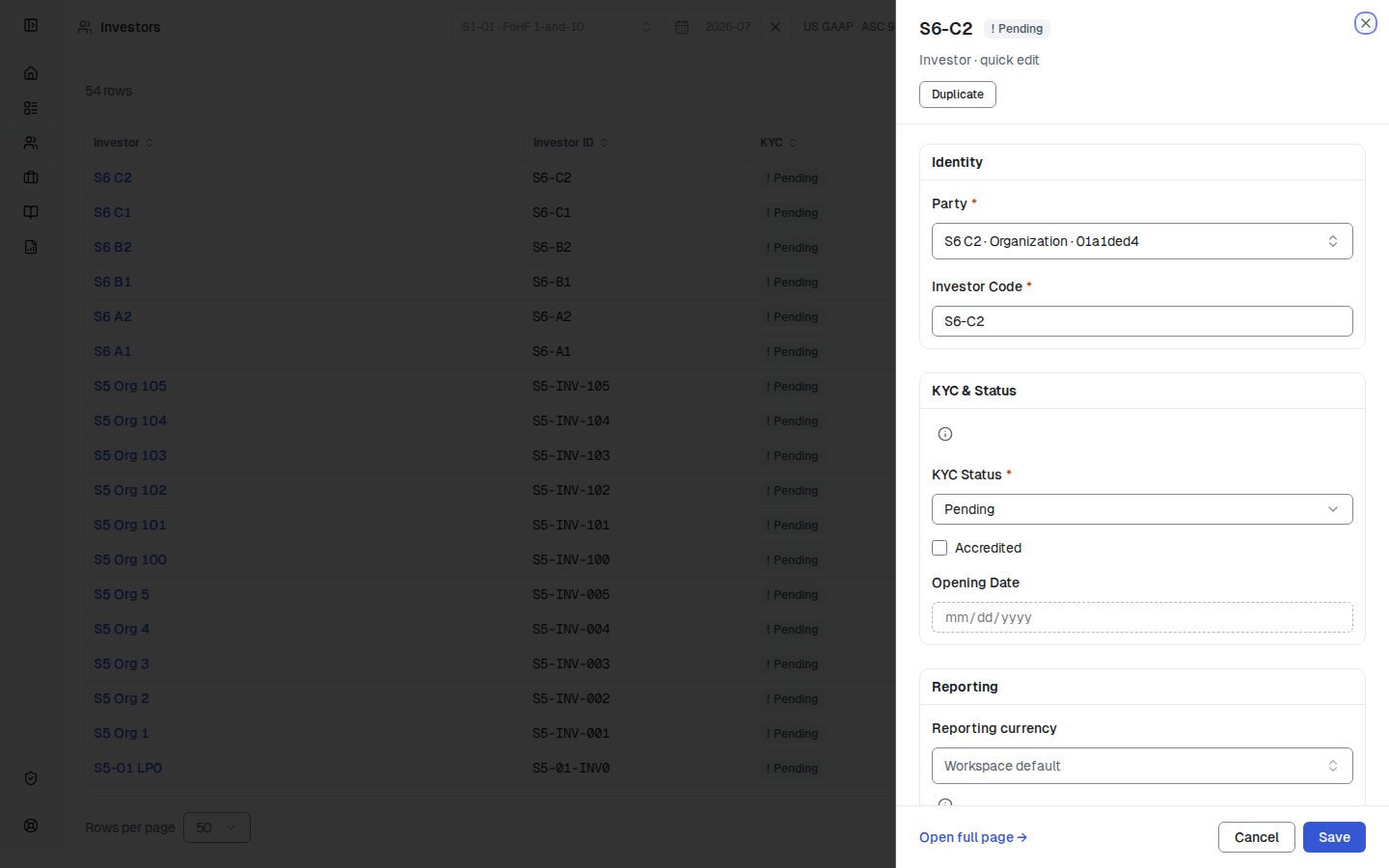
On most lists, click a row and the DRAWER opens on the right: the entity's fields, editable in place, with its lifecycle actions (confirm, post, reverse) in the header. The drawer is for the ninety-percent case - check a value, fix a field, push a lifecycle step - without losing your place in the grid. Save writes through the same API as everything else and the grid refreshes behind it.
The detail page
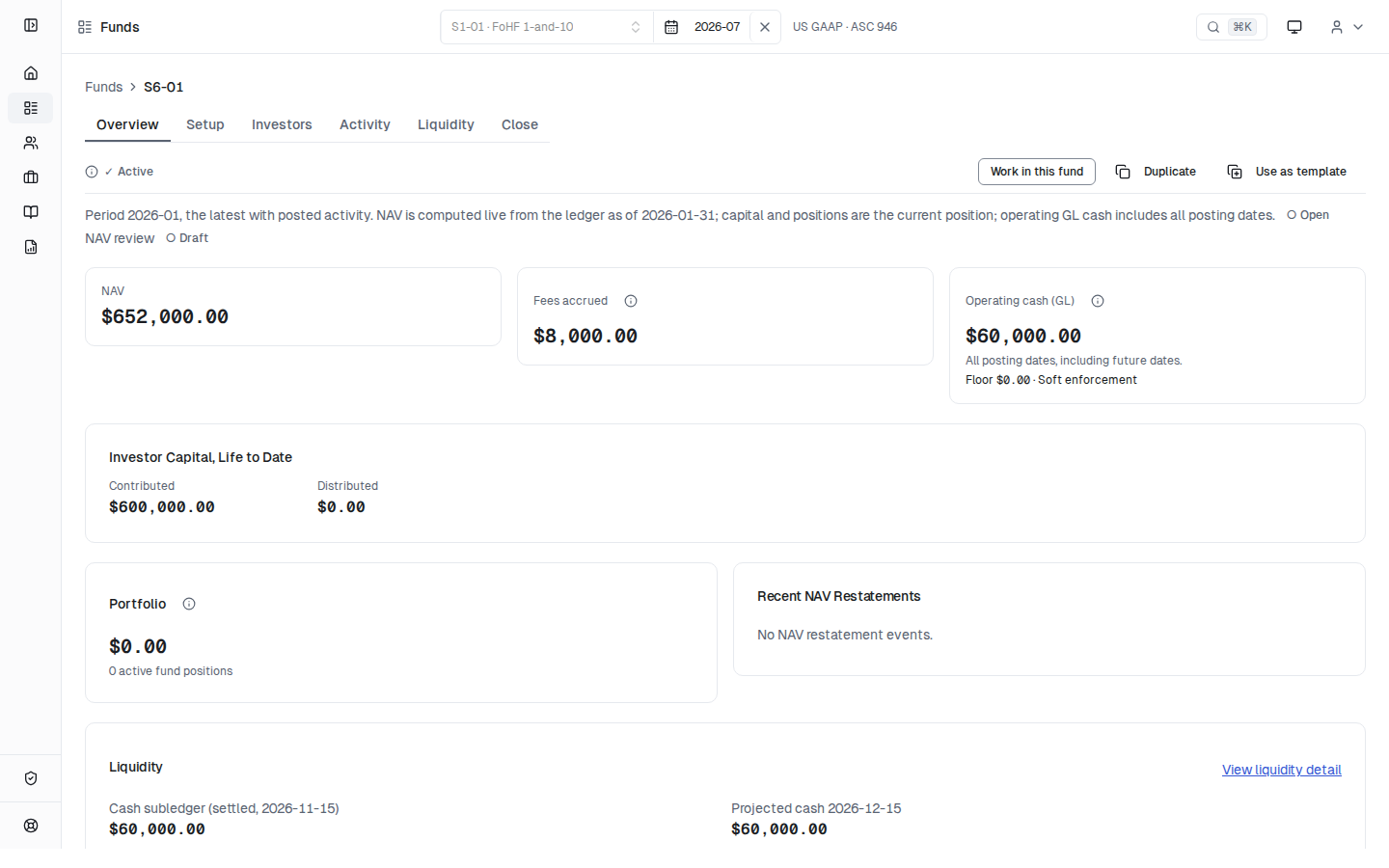
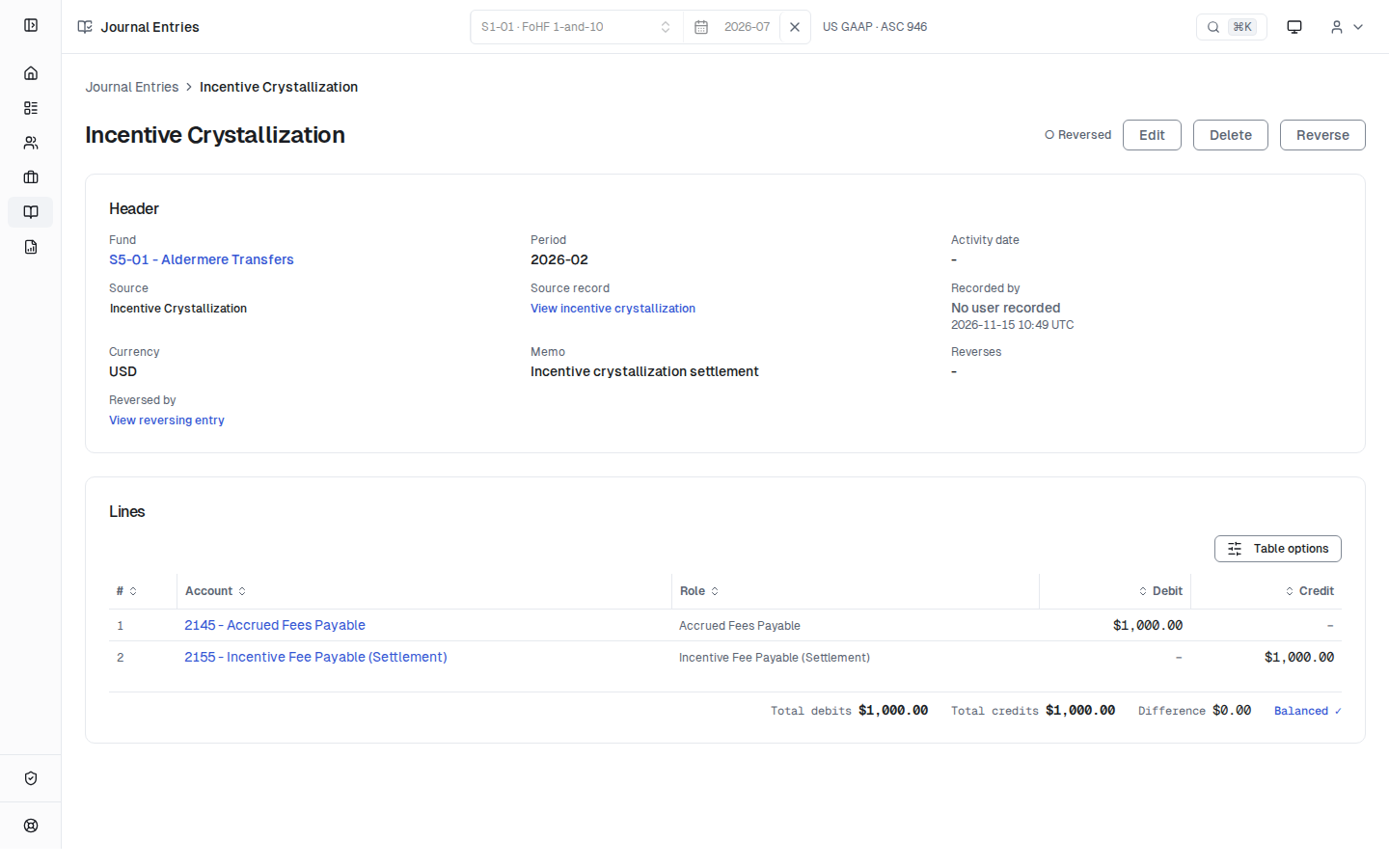
Some lists skip the drawer: a fund row opens the fund's own page directly, because a fund is a workspace rather than a record. For deep work elsewhere, the drawer's "Open full page" leads to the DETAIL PAGE: the entity with its full structure - related records, sub-ledgers, history - organized in sections and tabs. Detail pages are addressable URLs, so a specific journal entry or investor can be linked in a report ticket or a handoff note and opens exactly there.
Finding anything
The search box (or the keyboard shortcut it shows) opens the command palette: pages, quick actions, and the manual's chapters in one surface. The life-ring at the bottom of the sidebar opens contextual help for where you stand, and files a problem report with the technical context attached automatically - the getting-help chapter covers that loop.
Supported browsers
The application runs in current desktop and mobile browsers. The minimum versions are:
- Chrome, Edge and other Chromium browsers: version 111
- Safari on macOS, iPhone and iPad: version 16.4
- Firefox: version 128
Older versions may load the pages with broken layout or styling. Internet Explorer is not supported.